Frequently Asked Questions
Do I need an account to color sneakers?
No. The coloring editor can be used directly in the browser without creating an account.
Will I lose my design if I refresh the page?
The editor automatically saves painting progress locally on the current device and browser. A normal refresh should restore the saved sneaker. Browser cleanup, private mode or switching devices can remove or separate that progress.
Is my colored sneaker uploaded to the website?
The normal coloring and download workflow runs in your browser. Local progress is stored on your device, and the downloaded artwork is generated there.
Can I use the coloring tool on a phone?
Yes. The editor has a mobile layout and supports touch controls. On supported phones you can pinch to zoom and use two fingers to move around the sneaker.
What does Reset do?
Reset clears all current coloring for that sneaker and deletes its locally saved painting on the current device. The editor asks for confirmation before completing the reset.
Why does Fill sometimes not color an area?
Fill works best inside fully enclosed line-art regions. Tiny gaps in an outline can connect one area to another, so the tool avoids some very large edge-connected regions to prevent accidental background fills.
What file do I get when I download?
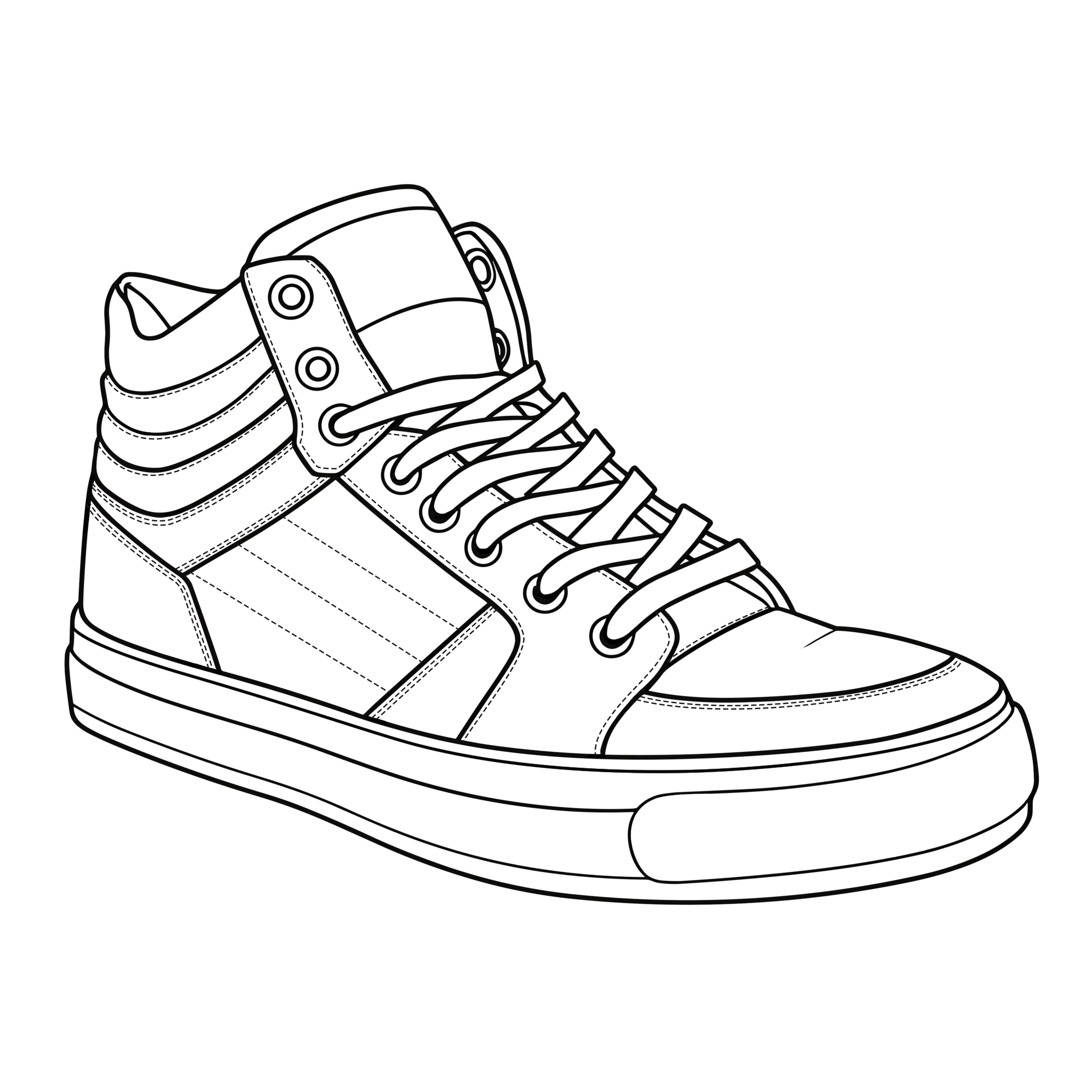
The editor exports a square PNG with the sneaker centered inside the image. The exact browser download behavior can vary between desktop and mobile devices.
Who created the sneaker artwork?
The sneaker line-art collection published on Sneaker Coloring Book is original artwork provided for use through this coloring experience.