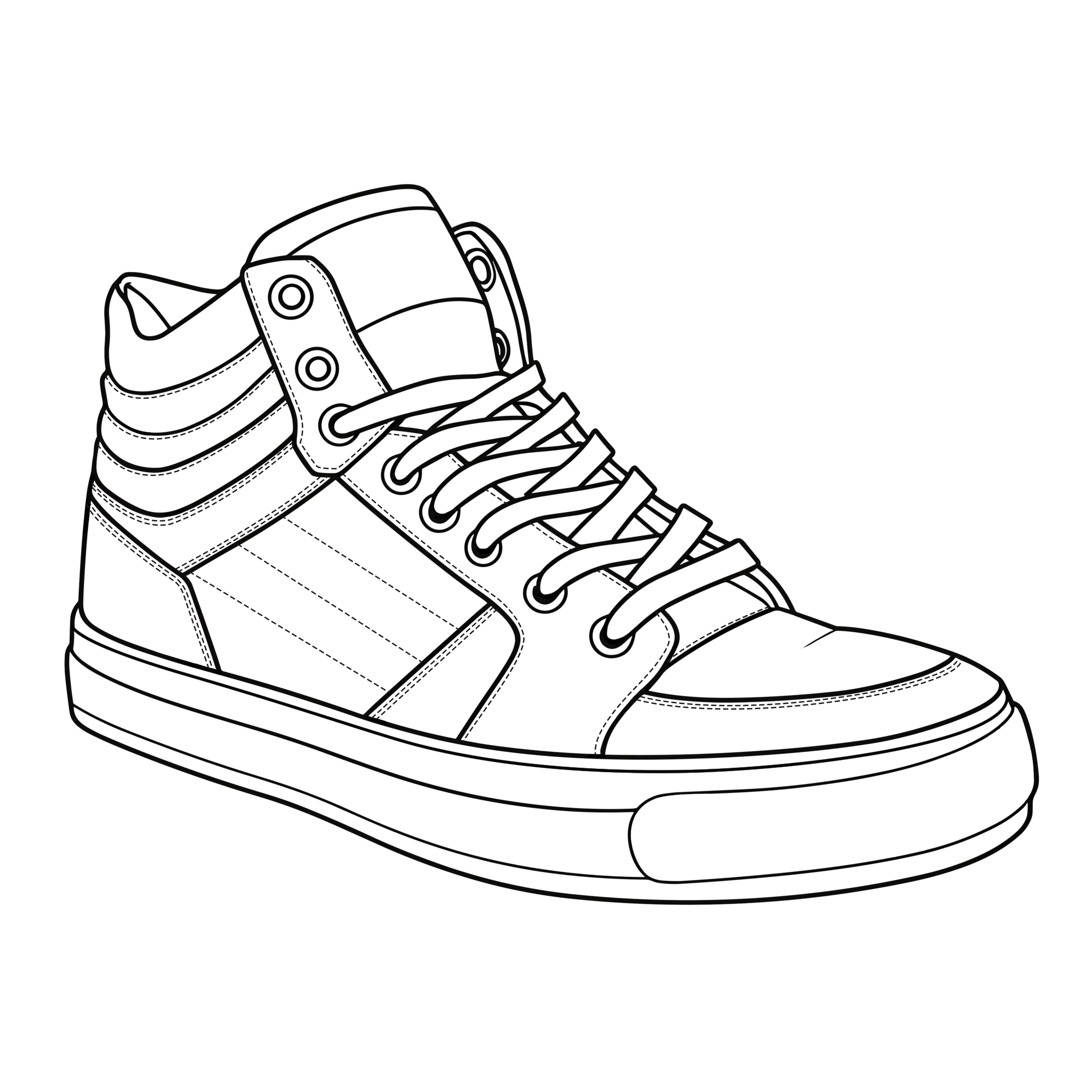
How to Color Sneakers Online
The editor is built to make experimenting with sneaker colorways fast. You can use it on desktop or mobile, and your progress can remain on the current device between visits.
1. Choose a sneaker
Open the home page and choose any sneaker from the collection. Every design opens in the same coloring editor, so you can move between different silhouettes without learning a new interface.
2. Pick colors
Use the color picker to choose a shade. On desktop, recent colors are kept so you can quickly reuse a palette. The Eyedropper also lets you sample a color that is already on the sneaker.
3. Use the right tool
4. Correct and compare
Undo steps backward through recent edits and Redo brings them back. Reset is available once the sneaker contains paint and asks for confirmation before clearing your saved progress.
5. Save your progress
Coloring progress is automatically stored in the browser on this device. Refreshing the page or returning later should restore the saved painting. Clearing browser storage, using private browsing, changing devices or pressing Reset can remove that local progress.
6. Download the finished design
Press Download Image when the colorway is ready. The site creates the finished PNG on your device, keeping the sneaker centered in a square high-resolution image that is convenient to save or share.